
Fraud Blocker: IP & Bot Shield
for Shopify
Protect your Shopify store from fraud with advanced blocking and fraud detection tools.
Get Started for free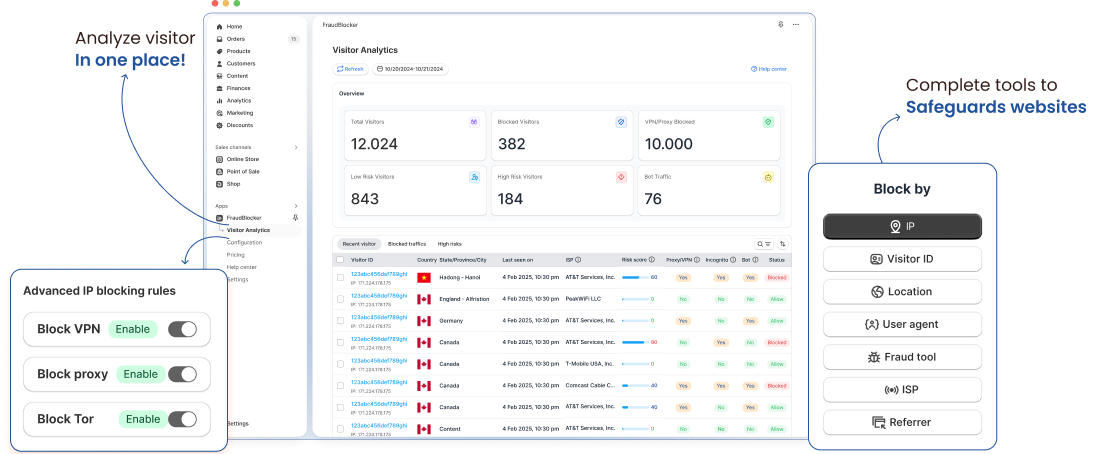

Real-time threat detection for Shopify
Quickly detect suspicious activity, block fake orders, and prevent refund abuse before it hurts your revenue or reputation.

Optimized for Shopify checkout flow
Designed to integrate natively into your Shopify checkout process with zero impact on page speed or customer experience.

Built for busy store owners
Requires no technical setup — Browsify protects your store automatically and continuously, so you can focus on sales and growth.
Stop Fraud Before It Hits Your Revenue
Automatically shield your store from high-risk orders, chargeback fraud, and malicious bots with the industry's most advanced IP filtering engine.


Trusted by 10,000+ Shopify stores worldwide
Enterprise Protection for Every Store
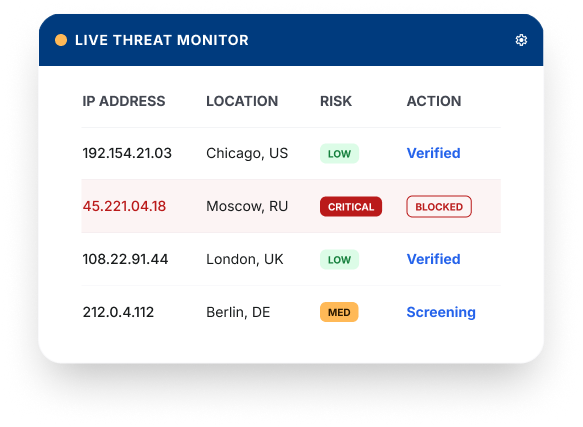
We built Fraud Blocker to be the strongest shield in the Shopify ecosystem, utilizing military grade IP intelligence

AI Threat Detection
Our machine learning models analyze 2.5 billion data points daily to identify emerging bot signatures before they target you.
 Behavioral Analysis
- Pattern Recognition

Auto Defense Engine
Stop managing manual blacklists. Our engine automatically updates your firewall every hour with fresh malicious IPs.
- Behavioral Analysis
- Pattern Recognition

Checkout Protection
Deploy a silent barrier at the most critical stage. Secure your checkout without adding friction for legitimate customers.
- Behavioral Analysis
- Pattern Recognition
How Fraud Blocker can help you?
With Fraud Blocker, you can harness advanced security to gather detailed visitor insights through browser fingerprints, even if they use tools like proxies or antidetect browsers. We help you identify unique visitor IDs and offer intelligent auto-blocking or customizable blocking to suit your needs.

Effortless Setup
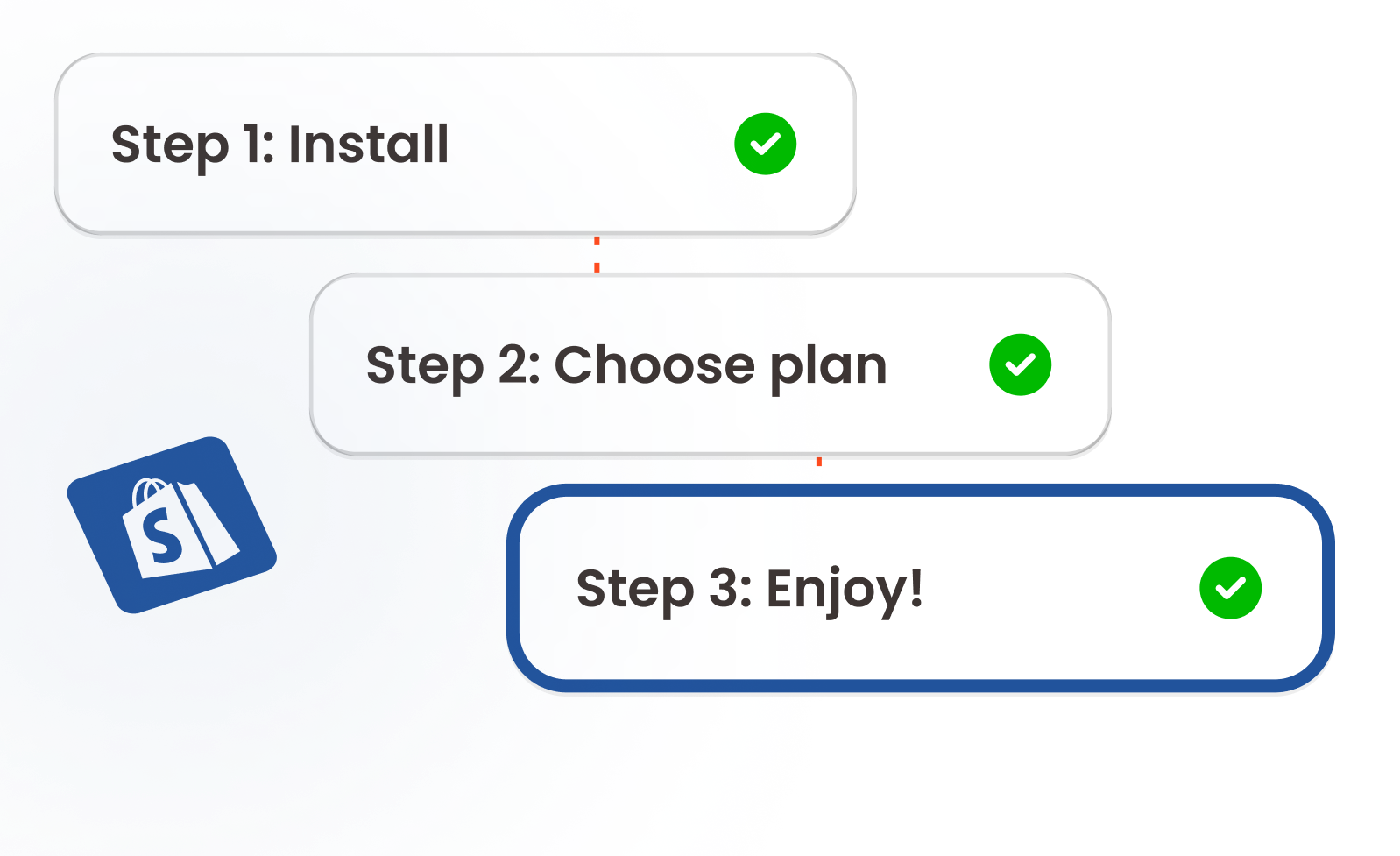
Configure powerful fraud prevention tools in just a few clicks, no technical expertise required.

Enhanced Security
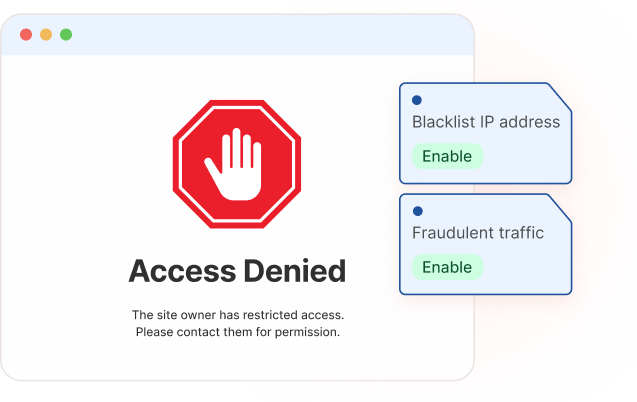
Block fraudulent traffic and protect sensitive content, reducing chargebacks and fake accounts.

Improved Performance
Eliminate unwanted traffic to optimize your store’s speed and deliver a smooth experience for real customers.
Plans that tailored to your needs
No payment required to start
Standout features
 Limit of 4 IP/Country ban rules
- Limit of 4 Visitor ID block rules
- Monitor up to 200 store visits
- Basic fraud detection scanner
Service
- 24/7 Standard Support
Standout features
- Includes all Free
- Infinite IP & Location blocking
- Unlimited visitor tracking quota
- Reveal Visitor IDs & Fraud Scores
- Automated high-risk traffic bans
- Comprehensive fraud reports
Service
- 24/7 Standard Support
 Recommend for you
Standout features
- Includes all Essential features
- Infinite IP & Location blocking
- Unlimited visitor tracking quota
- Reveal Visitor IDs & Fraud Scores
- Automated high-risk traffic bans
- Comprehensive fraud reports
- Auto-block fraud orders
- Prevent inspect
Service
- 24/7 Priority Support
Standout features
- Access ALL FEATURES
- Block Automation
- FULL vistor analytics
- FULL Fraud analytics
- ALL Fraud filters
Service
- Dedicated top-tier 24/7 assistance
Stories from the Front Lines

"Within 48 hours of installing, Fraud Blocker caught a $2,500 bot-attack on our clearance sale. It paid for itself for the entire year in two days."

Sarah Jenkins
Founder, LuxeDecor
"Our chargeback rate dropped from 3.2% to 0.4% in the first month. The dashboard visibility is unlike any other app on Shopify."

David Chen
CTO, TechPulse
"The 'set and forget' nature is incredible. I don't have to manually check IPs anymore. It just works."

Maya Rodriguez
Manager, UrbanFit
Questions?
We are here to help
If you have any questions we haven't covered, feel free to email us, and we'll respond promptly.
What is FraudBlocker, and how does it work?


FraudBlocker is a comprehensive Shopify security app. It works silently in the background of your store, analyzing the behavior, location, and technical details of every visitor. If it detects malicious bots, content thieves, or credit card fraudsters, it blocks them based on the rules you set.
How does the Risk Score work in simple terms?
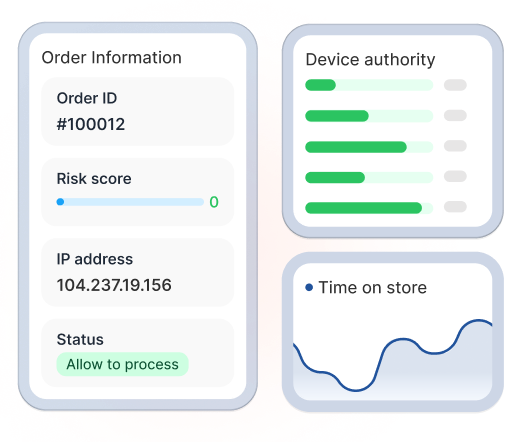
Think of it like a credit score, but for security. Every visitor starts at 0. If they do suspicious things (like hiding their location or trying 5 different credit cards), their score goes up. If it reaches the "High Risk" zone (67-100), FraudBlocker takes action to protect your store.
What is the difference between Block and Redirect modes?
Block: The visitor is completely stopped and sees a blank/error page. They cannot access your store. Redirect: The visitor is sent to a different web link. For example, you could redirect them to a page that says "Sorry, we currently do not ship to your region or your connection is unsecure."
What should I do if I accidentally block a legitimate customer?
Don't worry, this is easy to fix! Go to the Configuration tab, find their IP address or Visitor ID in your block list, and delete it. To prevent it from happening again, you can slightly increase your automated Risk Score threshold (e.g., move it from 80 to 90).
How does FraudBlocker handle privacy and data protection?
We take privacy very seriously. FraudBlocker complies with global privacy guidelines (including GDPR and CCPA). We do not collect or store personal, identifiable customer data. We focus purely on anonymous technical identifiers like Visitor IDs, generalized locations, and device types.
Can I temporarily turn off Content Protection to edit my store design?
Absolutely. Simply go to the Content Protection tab and toggle the features off while you work on your store. Just remember to turn them back on when you are finished!
Where can I find additional help or support?
If you need any assistance, click the "Help Center" tab directly inside the FraudBlocker app dashboard, or reach out to our 24/7 customer support team. We are always here to help you configure your store's security.